Apply the Watermark
to your photos for free.
Protect the copyright of your shots by adding logos and watermarks to hundreds of images at once. No quality loss, 100% Local processing in the browser. Your photos will never leave your device.
Add your watermark to photos
Upload your images, review the preview and download them when ready. Everything stays in your browser.
Upload your photos here
Drag your files here or click to browse.
We support JPG, PNG, WEBP.
Your photos stay in your browser.
They are not uploaded to any server.
Three simple steps. Done in 3 seconds.
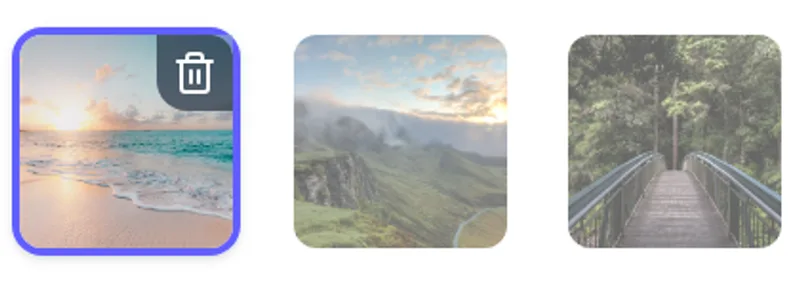
Drag your photos
Upload as many images as you want. We support JPG, PNG and WEBP with no size or resolution limits.
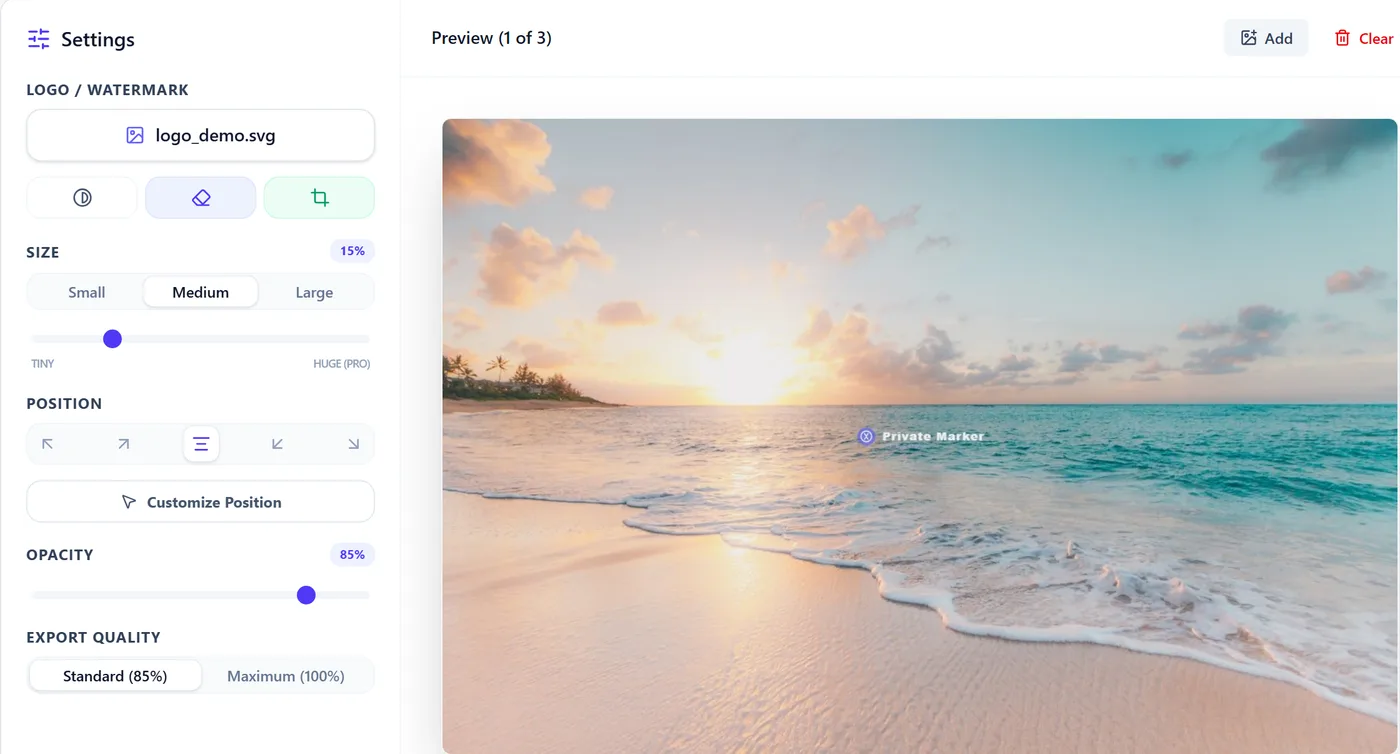
Position the logo
Upload your watermark, choose size, opacity and place it wherever you prefer. The preview is real-time.


Download in bulk
One click and the browser will create a .zip file with all your processed photos at 100% of the original quality.
Everything you need.
100% Free for everyone, no account needed.
AI background removal, free positioning, maximum quality: all advanced tools are free from the start. Create an account only if you want to save your logo and preferred settings for next time.
AI Background Removal
Clean up your logos by removing white or dark backgrounds instantly with a single click, thanks to our built-in AI algorithms.
Manual Positioning
Drag, resize and rotate the watermark freely on the interactive preview for pixel-perfect control over placement.
Smart Cropping
Instantly detect and remove transparent and empty margins around your logos for perfect alignment and resizing.
Filters & Contrast
Turn your color logo into pure black and white, invert channels for dark backgrounds, or apply an embossing effect.
Presets & Favorites
Create a free account to save the exact combinations of opacity, size, logo and filters, ready for your next visit.
Maximum Export
Export your watermarked photos at 100% of the original resolution with no visual compression, ideal for professional shots.
Start protecting your shots like a professional.
Sign in with one click via Google to remove the 100-photo limit and save your logo and preferred settings: we only use Google sign-in to recognize you next time, never for anything else.
The ultimate watermarking tool for professionals.
Protecting your photographic work is essential to defending intellectual property. Photographers, content creators, e-commerce businesses and agencies need to apply watermarks quickly and safely to prevent unauthorized use of their images online. Our tool is designed to simplify this process, making it instant and accessible to everyone.
Total GDPR Security
We never send your photos to any external server. The entire watermarking process happens locally within your computer's temporary memory, guaranteeing total confidentiality.
Unmatched Local Speed
Forget long waiting queues or upload bandwidth limits. Thanks to HTML5 Canvas processing, watermarking and downloading 100 photos in a ZIP archive takes only a few seconds. And it's precisely because your browser does all the work, without ever touching our servers, that we can offer unlimited bulk processing for free — unlike many online tools that reserve it for paid plans.
Our technology guarantees unprecedented processing speed thanks to a 100% client-side approach. No photo is uploaded to external servers: processing happens entirely locally in your browser. This ensures absolute privacy for your files and full GDPR compliance.
Upload dozens of high-resolution photos, position your logo, adjust the transparency and apply the watermark to all images at once. Keep your copyright safe, simply and quickly.
Frequently Asked Questions
Everything you need to know about our free tool for protecting your photos online. From absolute privacy to copyright management.
.zip file with a single click.Changelog
Private Marker keeps getting better
We build simple, free and privacy-first tools. Here are the latest improvements to the product.
v0.93
August 2026
- NewNew tool to compress images and convert them to WebP, directly in your browser.
- ImprovedFree batches up to 50 images; a free account raises the limit to 100 images at a time.
v0.92
July 2026
- ImprovedMore precise watermark editor, with logo dragging and easier-to-control adjustments.
- ImprovedImproved the mobile experience, from logo cropping to downloading images.
v0.91
July 2026
- NewEXIF and XMP metadata removal without sending photos to a server.
- ImprovedHEIC support with an export format choice for easier sharing.
v0.90
June 2026
- PrivacyGoogle sign-in: Private Marker does not ask for or manage a new password.